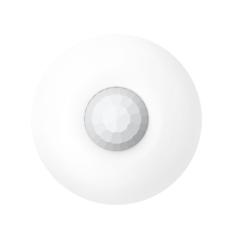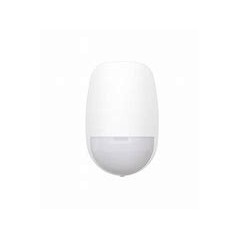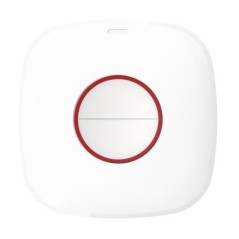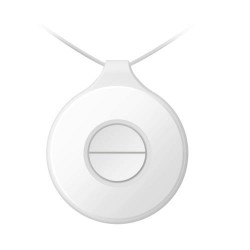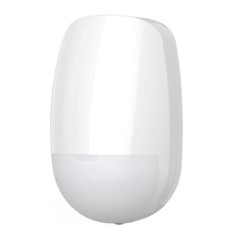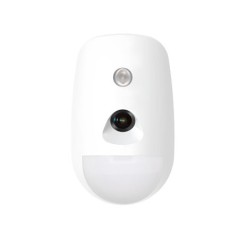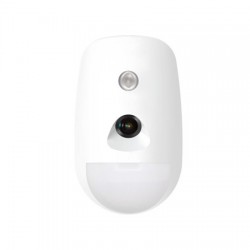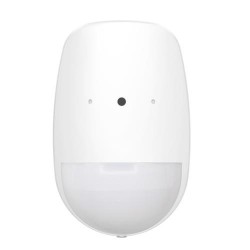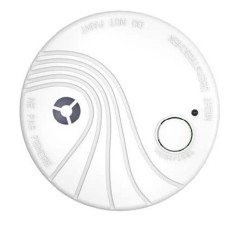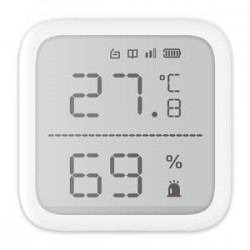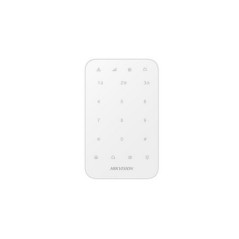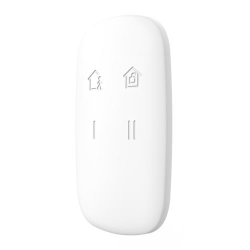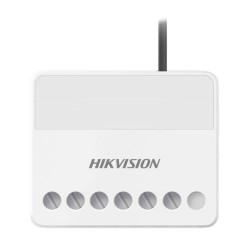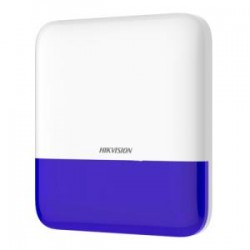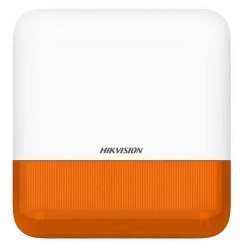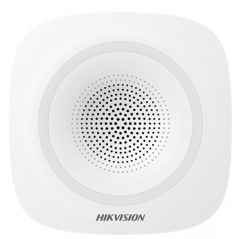


The AX Hub Pro is compatible with On/Vivid cameras, offering video verification for users and monitoring stations to confirm events.
Warranty 5 years exchange to nine!
 Garanties sécurité(à modifier dans le module "Réassurance")
 Politique de livraison(à modifier dans le module "Réassurance")
 Politique retours(à modifier dans le module "Réassurance")
The AX Hub Pro is compatible with On/Vivid cameras, offering video verification for users and monitoring stations to confirm events.
Simple and easy installation by application or web Client:
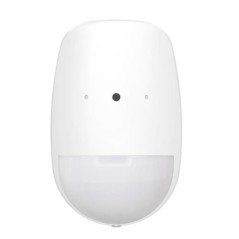
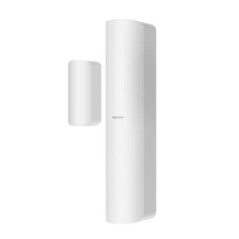
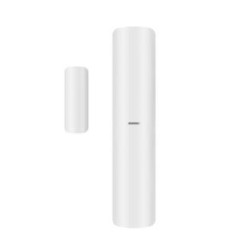
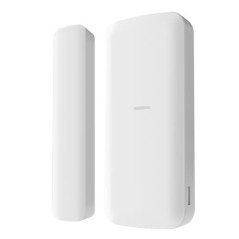
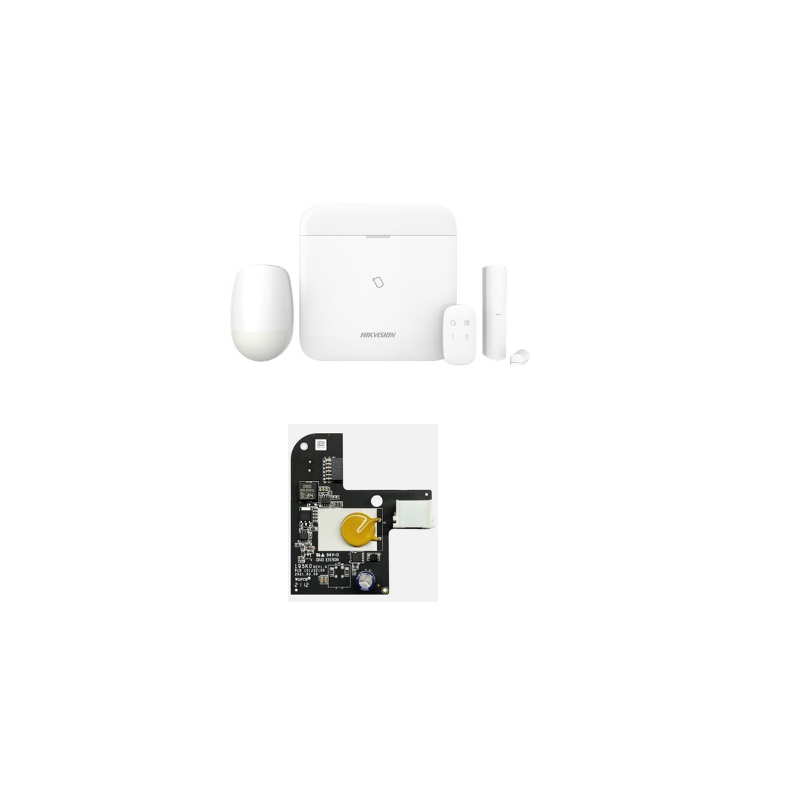
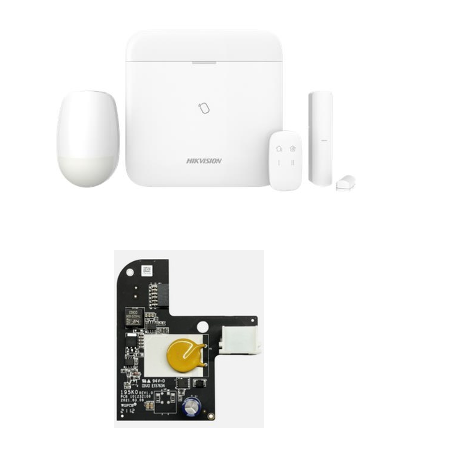
Central kit DS-PWA96-M-WE compliant EN 50131-1 Grade 2 + 1 contact DS-PDMC-EG2-WE + 1 detector DS-PDP15P-EG2-WE + 1 remote control DS-PKF1-WE
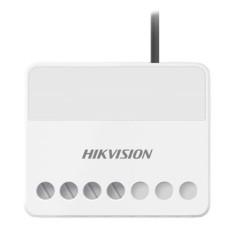
8-124VDC power supply module
Requires a package M2M to work
Use the web browser to activate the device. Use the SADP software or PC client to search for the device online to get the IP address of the device and activate the device on the web page.
Before you start
Make sure your device and PC connect to the same LAN.
1. Open a web browser and enter the IP address of the device.
Remark
If you connect the device directly to the PC, you need to change the IP address
of your PC on the same subnet as the device. The default IP address of the device
is 192.0.0.64.
2. Create and confirm the administrator password.
Warning
HIGHLY RECOMMENDED PASSWORD - We strongly recommend that you create a
password of your choice (using a minimum of 8 characters, including
uppercase, lowercase, numbers, and special characters) in order
to increase the safety of your product. And we recommend that you reset your
password regularly, especially in the high security system, password reset
monthly or weekly can better protect your product.
3. Click OK to complete the activation and go to the Live View page.
4. Change the IP address of the device.
1) Enter the IP address change page. Configuring → TCP/IP → Network
2) Change the IP address.
Axiom Security Control Panel Installation Guide
11
3) Save the settings.
Download and log in to the Mobile Client
Download the Hik-Connect mobile client from Google Play (for Android) or the App Store (for iOS) and log in to the client before using the security control panel.
When an alarm is triggered, notifications will be sent to users through various channels, including app notification, emails, phone calls, and text messages.
The AXHub is easy to set up with an intuitive and user-friendly interface.
The system expands to connect up to 32 sensors and 32 outputs, wired or wireless.
The AXHub is compatible with the Hik-connect app, making it easy to manage the system and share devices with your family members and has different permission levels
How to install your AX Pro alarm panel
AX Pro Bi-X Bidirectional Radio Control Panel with AES 128-Bit Communication Encryption
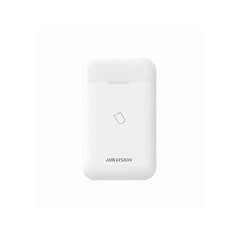
RFID badge reader (13.56MHz), 4 status LEDs, 1 buzzer and voice announcement
Management of 32 partitions, 96 zones / outputs (relays), 8 keyboards, 8 drives, 4 sirens, 4 repeaters, 48 users, 5000 events and PIRCAM management
Transmission via multiple communication channels TCP/IP, WIFI and basic GPRS
Compatible with the "Cloud HIK Connect" via the HIK-Connect mobile app
Transmission in SIA DC09 (SIA and ID) sending notifications, SMS and voice call
Configuration via web interface, HIK-ProConnect application
Removal of doubt via PIRCAM, Video Clips via email and App
Central kit DS-PWA96-M-WE compliant EN 50131-1 Grade 2 + 1 contact DS-PDMC-EG2-WE + 1 detector DS-PDP15P-EG2-WE + 1 remote control DS-PKF1-WE
Lithium-ion battery model 765965, Autonomy 12h
2-year warranty
Data sheet
Specific References
No customer reviews for the moment.
The AX Hub Pro is compatible with On/Vivid cameras, offering video verification for users and monitoring stations to confirm events.
Warranty 5 years exchange to nine!